After-hours golf cart rentals: rent without a desk
After-hours golf cart rentals let guests rent a cart when no staff are on site: they sign up in your app, pass an ID check, unlock the cart by QR code and pay in the app, only inside the rental hours you set.
Carts sit locked while guests still want to ride
A beach town cart shop closes at 6 pm, but guests want carts later. With Axons Mobility, guests sign up, pass an ID check, unlock by app and pay in the app. Rental hours are set in the console, so carts unlock only when you allow it.
Every rental that needs a person at a desk ends when the desk closes. The evening is when visitors head to dinner, the beach or the marina, and the carts stay parked.
Staying open later means paying staff to hand over keys, check licences and take payments for a few late rentals.
Where this happens
- Beach towns and islands
- Holiday and RV parks
- Resorts with evening events
How it works with Axons Mobility
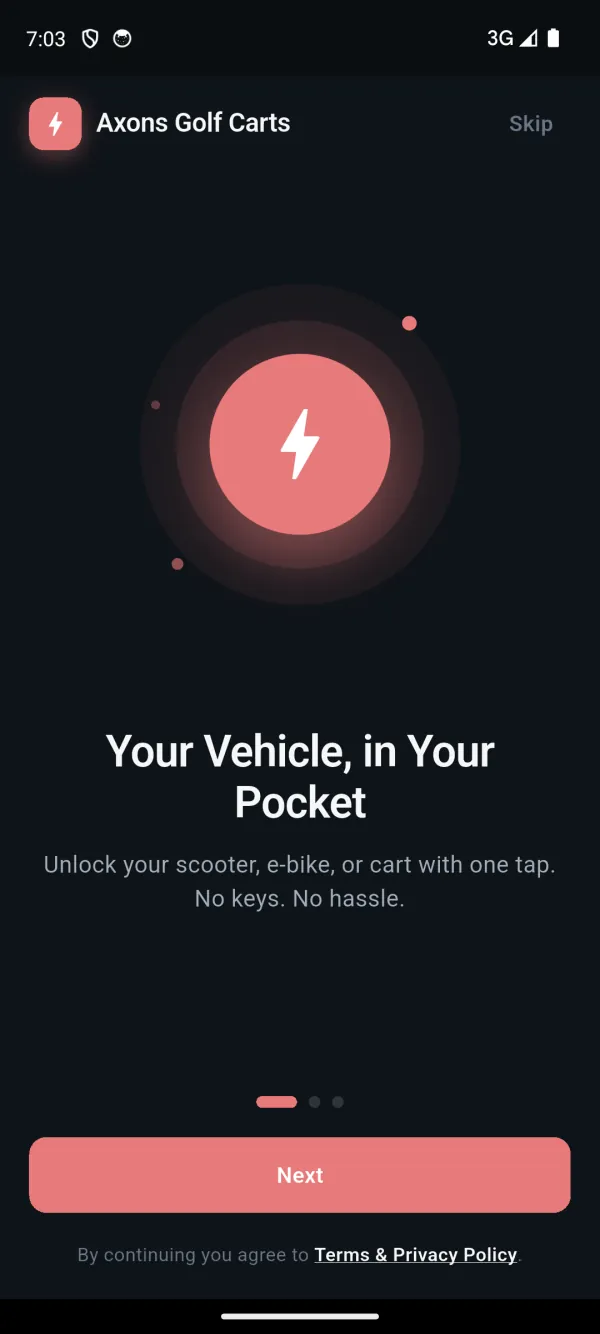
The guest downloads your branded rider app and signs up with their phone number.
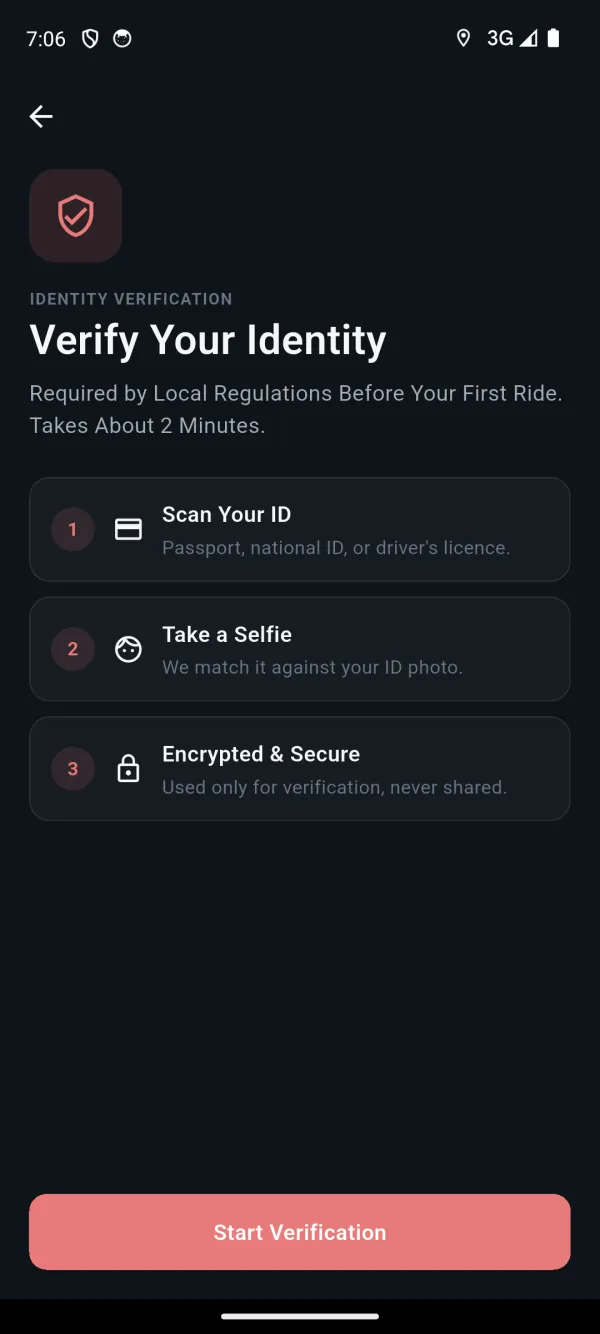
Before the first ride they pass an ID and selfie check, and add a card. You can also ask for a refundable deposit.
They scan the QR code on a cart to unlock it, inside the rental hours you set.
They park in a marked zone, the app takes a parking photo if you require one, and the fare is paid in the app.
What you switch on
- Rental hours per fleet, so carts unlock only when you allow it
- ID and selfie check before the first ride
- An optional refundable deposit
- Card payments into your own Stripe account, with an itemised receipt
- Parking zones and a parking photo at the end of the ride
- Your own branded rider app, built and published for you. See the rider app
What you need to start
- A connected device on each cart that shares location, battery and lock status and accepts lock and unlock
- A QR code on each cart
- Your own Stripe account for card payments
- Your branded rider app, which our team builds and publishes
Part of golf cart rental software and connected golf carts. Every case works on the connected device on your carts: what a device needs.
Questions about this use case
Can guests rent a golf cart when no staff are on site?
Yes. Guests sign up in your branded app, pass an ID check, unlock the cart by scanning its QR code and pay in the app. Rental hours are set in the console, so carts unlock only in the hours you allow.
How do we know who has the cart?
Every rental belongs to a signed-up rider who passed the ID and selfie check before their first ride. The cart shows on your live map for the whole rental, and the route is saved for replay.
What stops a guest leaving the cart anywhere?
Parking zones show guests where to end the ride, and you can require a parking photo before the rental closes. Each ride gets an itemised receipt.
More real-world golf cart use cases
- Stop carts going where they should notKeep carts off the pool deck and the beach with no-go and speed-limit zones.
- Know when a parked cart movesA theft alert the moment a locked cart starts moving, with the cart on the live map.
- No more dead batteries mid-ride48 V carts show true battery readings, and charging zones show where rides should end.
- Fix carts before guests noticeHealth scores spot fault patterns, and alerts become pre-filled work orders.
Try it on your own carts, free for 15 days
We set up a private fleet for you. Connect a few carts, set your zones, hours and prices, and see this work before you pay anything.
Questions first? Email hello@axonsmobility.com.